Friday, February 6, 2015

IP Network PTZ Joystick Controller with ONVIF IP Camera Decoder

Description: 
Sysvideo SK8009 series is a multiple functions products with IP HD video decoding and IP PTZ central controller, you can use it as a decoder or control PTZ speed dome IP camera, it allow one channel to display multiple IP camera, it support ONVIF, Hikvision, Panasonic,etc IP cameras.It can replace both PTZ joystick controller keyboard and network video decoder.It is a best solution for small and medium-sized IP surveillance system with IP PTZ camera.


Features

● Embedded Linux, work stable
● Auto search and add multiple IP cameras, support ONVIF, Panasonic, Samsung, Hikvision, Dahua,Honeywell, Bosh, Sysvideo etc.  IP camera 
● 3D PTZ Joystick control
● Support hybrid decoding mode (different brand and resolution cameras)
● 1 x HDMI & 1 x VGA output (same video)
● Support 24 TV wall control, every screen can display 4/9/16 channels 1080P/720P HD video 
● Support mouse, keyboard, 3D joystick control.
● Support text OSD
● Assign any camera to any channel
● Support grouping and auto switch


Specifications:
Model
SK8004
SK8009
SK8016
Keyboard Joystick 3D PTZ ( Pan/Tile/Zoom)
Button German mechanical switch
Key Cover Industrial plastics + Laser engraving characters
Video Output HDMI
1
VGA
1
Video Split 1/4 1/4/9 1/4/9 /16
Output Resolution 1920x1080@60/50Hz, 1280x720@60/50Hz
Decode Max IPC Quantity 256 (standard) or more (optional)
Decode Channels 4 9 16
Display Channels
1x1080P or 4x720P or 4xD1
1x1080P or 4x720P or 9xD1
4x1080P or 9x720P or 16xD1
Interfaces Network 100M RJ45 Ethernet 1000M RJ45 Ethernet
USB
1
Power Supply
12V/1A or 9V/1A
Function
support 4ch split and IP PTZ control
A. Standalone matrix
B. IP PTZ controller
C.Manage 16 x monitors or 256ch IPC
A. Standalone matrix
B. IP PTZ controller
C. Manage 36 x monitors or 2,000ch IPC matrix
Dimension 352x192x52/32mm (front 52mm, back 32mm)
Gross Weight 2.5kg (plug package)


For information, please visit our website: http://www.sysvideo.cn


Tuesday, January 27, 2015

How to set IP camera motion detection alarm?

1. Login IP camera via Internet Explorer, the default user name and password is admin, if you don’t know how to operate Sysvideo IP camera, please read the product manual for more information.


2. Click main menu “ Config ” to open IP camera setting page.


3. Click left menu to open motion detection alarm page: Alarm Setting -> Motion Detection. You need to set some parameters:

Detection Area: you can use your mouse to draw a rectangular area on video, or you can choose all area. You can set 4 sub areas at most)

Sensitivity: you choose number 1-5, greater value means higher sensitivity.

Enable detect: You must enable this option.

Detection time: Set the period of time for motion detection and enable, two periods allowed.

Linkage Alarm Output: you can choose to send email or FTP upload snapshot images or save recording file on local SD card. If you need to FTP upload or send a email, you first need to set IP camera network parameter.If you only need to send alarm information to NVR or CMS (central management software) , you don’t need to set these option. Please click “Save” after you finish all setting.


4.If all setting are OK, the “Alarm” menu will display a alert icon when somebody cross the detection area or the image been changed.


5.You can click “Alarm” menu to search all alarm event log.


For more information or need any help, please visit our website: http://www.sysvideo.cn

Wednesday, January 21, 2015

How to Set NVR Redundancy Recording

Do you want to record double video file or auto backup recording video? Sysvideo NVR / DVR support redundant record, you can use this function to record double video, and store it on different hard disk. In case of one hard disk been damaged, another one can been as a backup.
Notes: If you want to use this function, your NVR must own at least two hard disk.

First, you need to login NVR via Internet Explorer. If you don't know about how to operation Sysvideo NVR, please read the manual or ask Sysvideo's engineer.


 Second, please open menu according to this step: CONFIG -> Storage -> HARD DISK MANAGEMENT, you enter hard disk management interface:


 Second, please open menu according to this step: CONFIG -> Storage -> HARD DISK MANAGEMENT, you enter hard disk management interface:


Then choose the hard disk you want to as backup, then check in option Redundant, click button Execute to save the setting.

Third, join record plan schedule setting window (Menu: CONFIG -> Configuration -> Record Plan ), choose the channel you want to set, then enable button Redundancy. If you dont have any record plan, you first need to create one. Then click Save button, NVR will auto record a backup video file to redundant hard disk you just choose.

If you have any question, please contact with Sysvideo technology limited or visit our webste: http://www.sysvideo.cn

Sunday, January 18, 2015

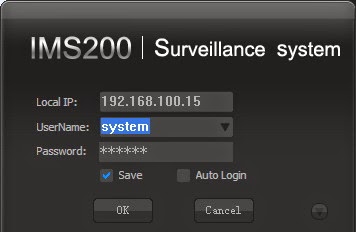
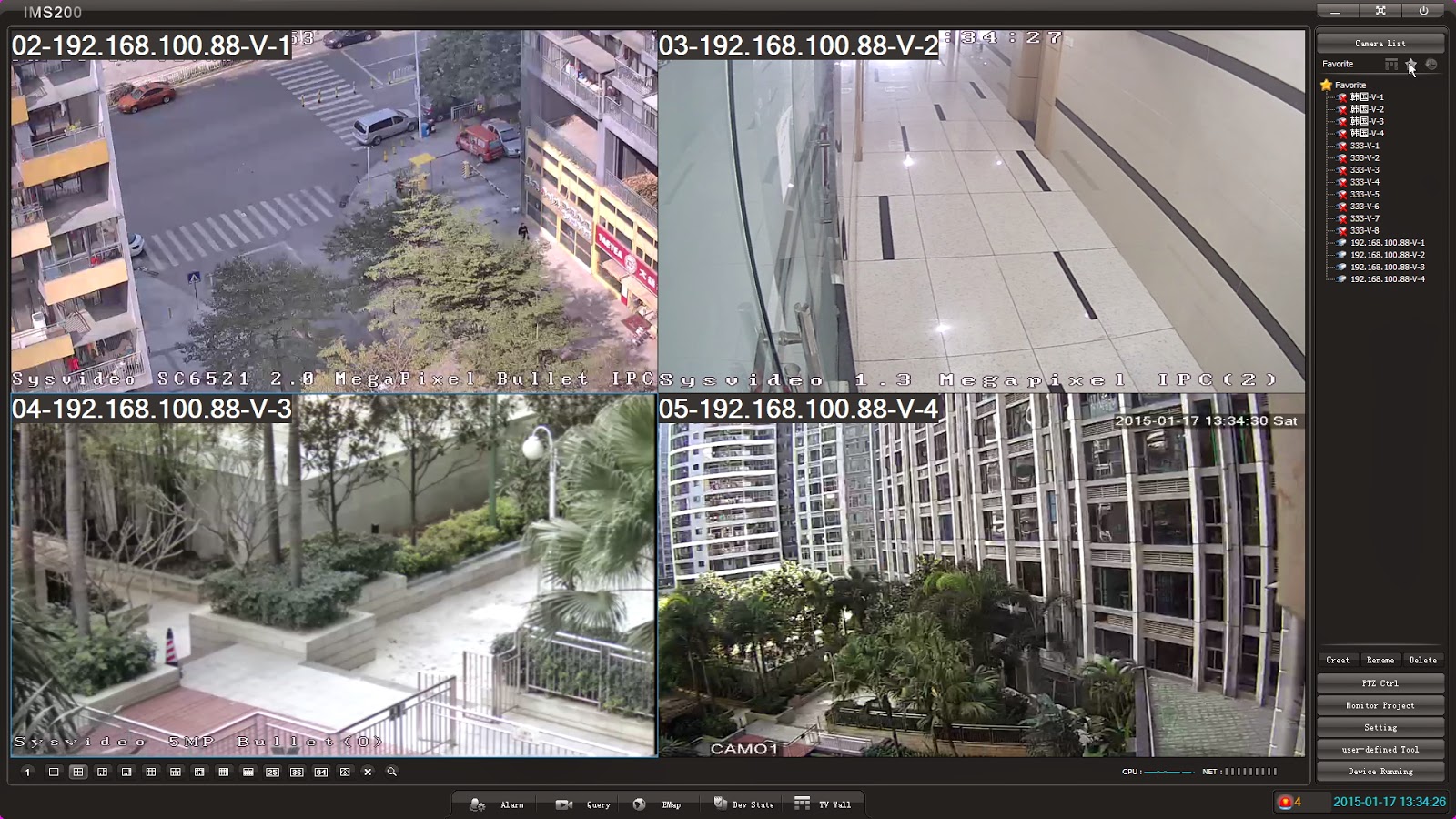
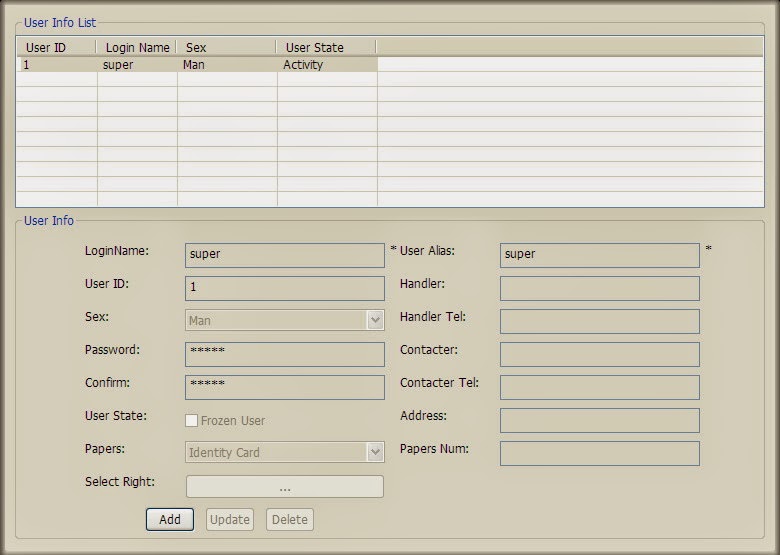
Sysvideo NVR / DVR CMS (central management software) UI (User Interface) Albums

How to manage multiple NVR(network video recorder) or DVR (digital video recorder)? How to manage the video decoder? Sysvideo NVR/DVR central management software IMS200 can manage many NVR/DVR, you can auto search and add front NVR/DVR, and config the device setting. Now you can discover our NVR CMS software function via the following pictures.

Main UI

Login UI

Device List

PTZ


 1ch full screen